From the Ommnio app on your Android or iPhone mobile phone, it is very simple to send a voice message.
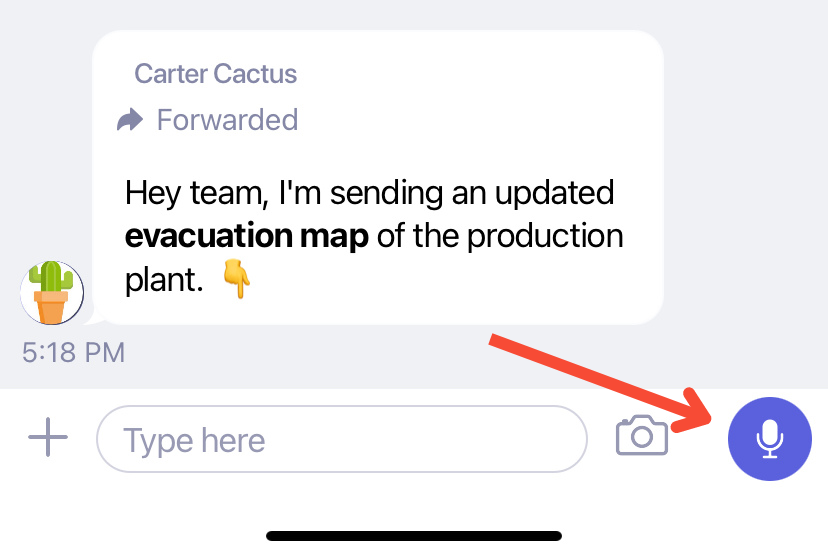
Simply tap on the microphone icon at the bottom of the screen, right next to the text box:
This is how you will see the screen of your mobile while holding down the microphone icon when recording your voice message:
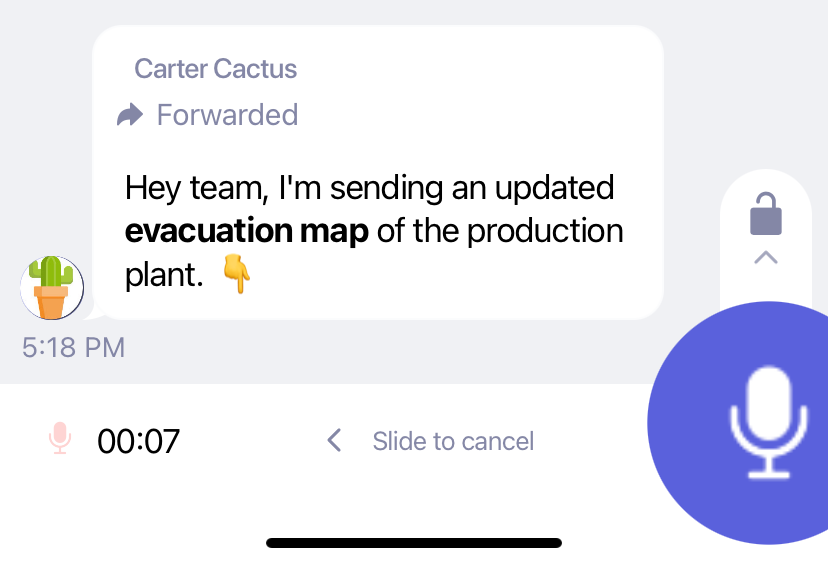
Slide left if you want to cancel, let go to send the audio to the group or slide up to lock and record without holding.